Get in touch
I'm always excited to take on new projects and collaborate with innovative minds.
Phone
Email
support@musaiblone.com
Address
Tujjar Sharif, Sopore, Baramulla District, Jammu and Kashmir, India – [193201]
I'm always excited to take on new projects and collaborate with innovative minds.
support@musaiblone.com
Tujjar Sharif, Sopore, Baramulla District, Jammu and Kashmir, India – [193201]
Learn how to create a professional travel website using WordPress with this step-by-step guide. Ideal for tour operators, agencies, and travel startups
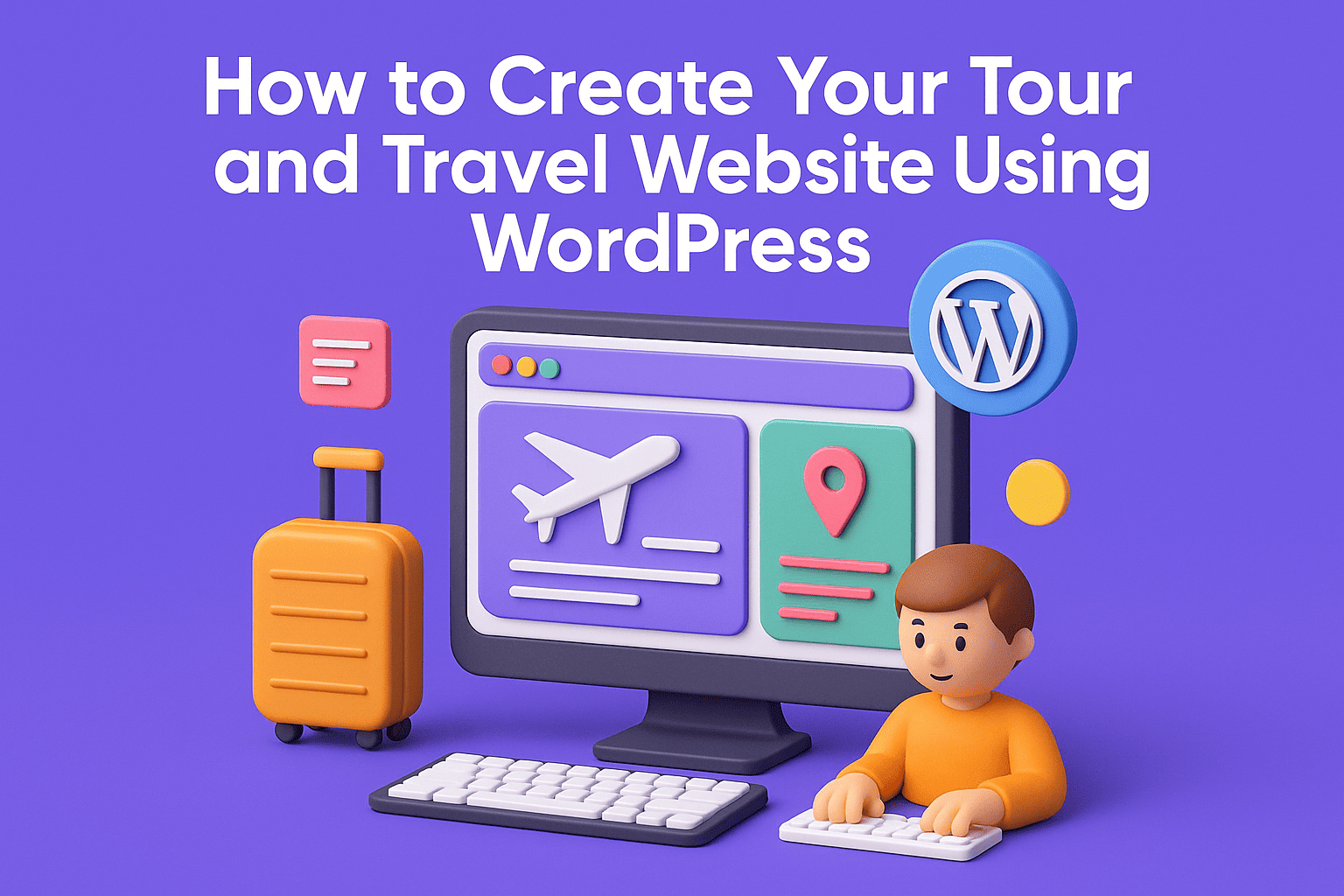
In this era of digitalization, it is essential for any business to have an online presence, and tour & travel businesses are no exception. Whether you’re a travel agency, solo tour guide, or adventure company, a website will enable you to attract clients from all around the world, display what services you offer, and gain trust. So, in this guide, I’m going to show you how to build your travel website using WordPress, step by step – even if you’re an absolute beginner and don’t know anything about coding or WordPress.

Because WordPress powers more than 40% of all websites in the world – it’s that good. Not only that, but it is also highly flexible and easy to use, with thousands of online themes and plugins at your disposal, making a travel website on WordPress quick and simple, even for complete beginners.
With WordPress, you can:
Include available tours for booking
Make samples of your precious trips.
Travel tip and destination blog
Collect payments online
Easily update content without needing a developer

Before you can build your website, you need a domain name (like prezen.co) and web hosting.
I recommend picking a hosting provider that offers:
1-click WordPress installation
Free SSL for security
Good performance and support
Popular options include:
If I were you, I would go with Hostinger because it meets all the requirements mentioned above.
Once you've purchased your hosting and domain, you can install WordPress with one click from your hosting dashboard.

The design of your website relies on your theme. Fortunately, WordPress offers hundreds of attractive themes specifically designed for travel websites.
Here are a few popular themes for travel sites:
Travel Tour by GoodLayers
Astra (with ready-made travel templates)
OceanWP
Neve Travel Template
Look for themes that are:
Mobile responsive
SEO-friendly
Compatible with booking plugins

Plugins add extra functionality to your WordPress travel website. Here are some must-have plugins for a travel or tour booking website:
WP Travel – Add and manage tour packages.
Elementor – Easy page builder with drag-and-drop.
Yoast SEO – Improve your search engine rankings.
WPForms – Contact and inquiry forms.
WooCommerce – Sell tours and accept payments.
Pro tip: Always keep plugins updated and don’t install too many. This keeps your site fast and secure.

Structure your website around the most important pages your visitors will look for:
Home Page: Showcase top destinations, tours, and CTAs.
About Us: Share your story, team, and mission.
Tours/Packages: Showcase your tours with booking options.
Gallery: Add visuals from previous tours.
Blog: Share travel tips, destination guides, and travel news.
Contact: Include a form, phone number, and location map.

To make your travel website using WordPress easy to find on Google, SEO is important.
Here’s what to focus on:
Use your main keyword in headings and naturally in paragraphs.
Write engaging meta descriptions.
Optimize image file names and ALT text.
Use internal links, such as linking blog posts to your tours.
Submit your sitemap to Google Search Console.
Install Yoast SEO to help you with on-page SEO while you edit.

Make it easy for users to book tours directly from your website. Depending on what you need, use:
WP Travel or Tour Master plugins for complete booking systems
WooCommerce to accept online payments securely
Integration with Stripe or PayPal
These tools will help manage your business, cut down on communication with customers, and boost conversions

Once your travel website built on WordPress is ready, it’s time to go live and promote it.
Here’s how to get traffic:
Share it on social media, like Instagram, Facebook, and Twitter.
List your business on Google Maps through Google My Business.
Write helpful blog posts that focus on travel keywords.
Partner with travel influencers or bloggers.
Ask past customers for reviews and testimonials.
- Use Google PageSpeed Insights to test your site speed. - Set up Google Analytics and Search Console. - Always keep WordPress, themes, and plugins updated.
If you need help building your travel website with WordPress, contact me for a free consultation or to get a custom design for your tour business.
Your email address will not be published. Required fields are marked *