I'm always excited to take on new projects and collaborate with innovative minds.

Email

support@musaiblone.com

Address

Tujjar Sharif, Sopore, Baramulla District, Jammu and Kashmir, India – [193201]

Social Links

Artificial Intelligence.

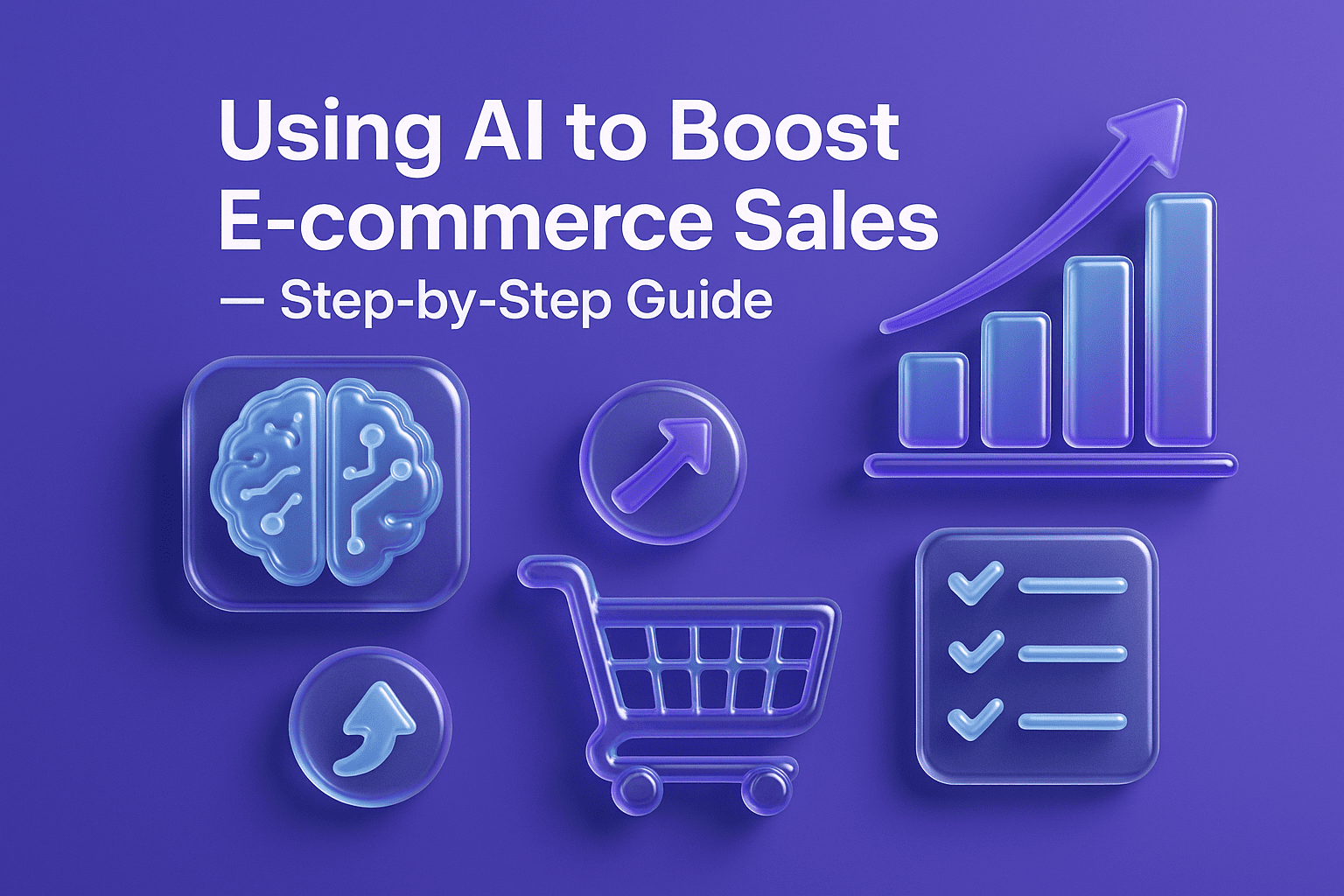
Using AI to Boost E-commerce Sales — Step-by-Step Guide

Learn how to use AI to increase e-commerce sales: practical steps, tools, SEO tips, image prompts, and a clear implementation roadmap for beginners & pros.

Using AI to Boost E-commerce Sales — Step-by-Step Guide

Introduction 

Big tech is no longer the exclusive home of artificial intelligence (AI). AI can help small and medium e-commerce businesses sell more, save time, and provide a better shopping experience for customers. It breaks down step by step how you can add AI to your online retail operation — from personalization and chatbots all the way to inventory forecasting and auto-generating product descriptions. You’ll receive a step-by-step roadmap, what to track, mistakes to avoid, and exact image prompts on how to create visuals that match your brand.

Who this is for: The people who are starting out and want easy steps, as well as Marketers/Developers.

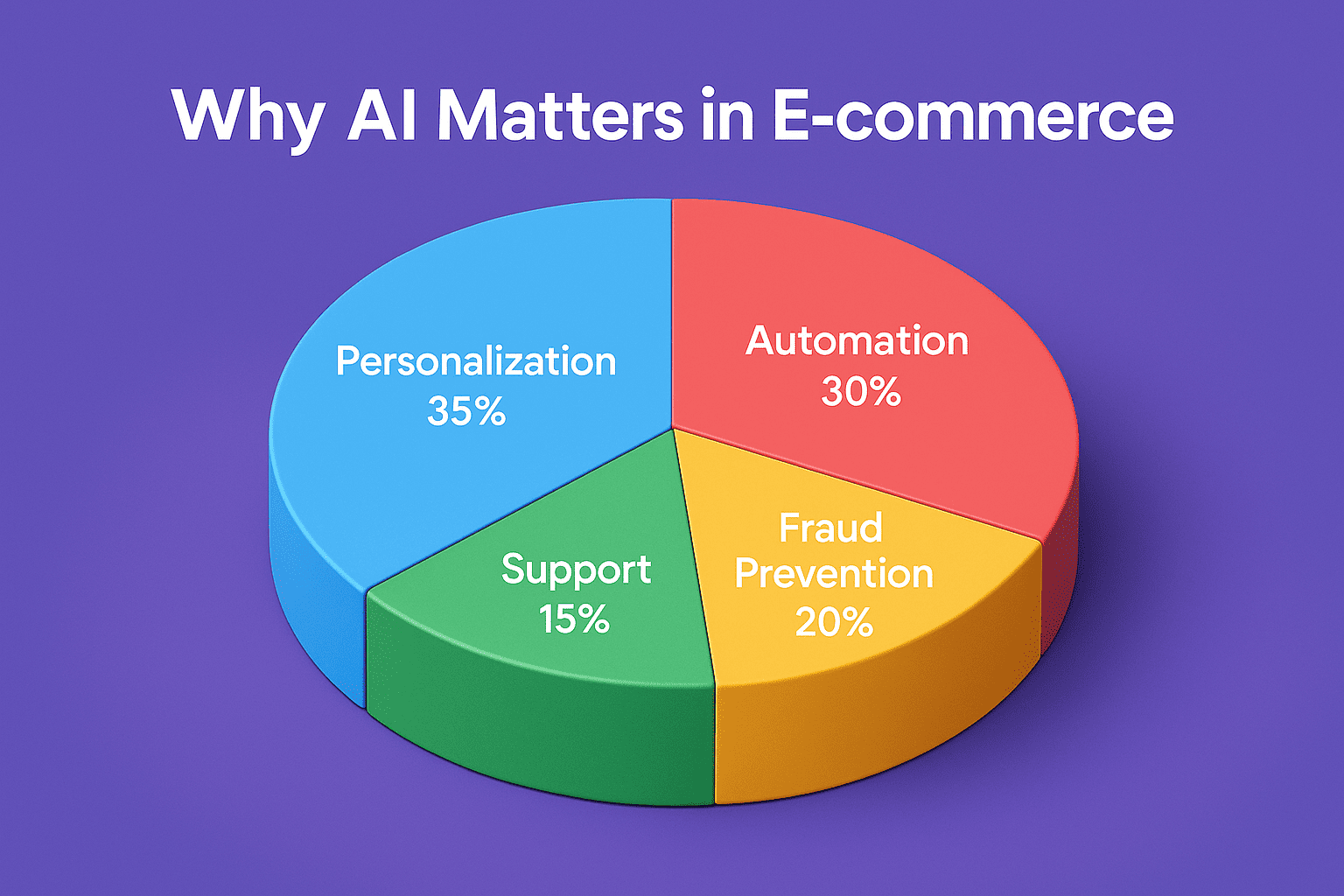
Step 1: Why AI is important for e-commerce 

20251001-1206-ai-impact-on-e-commerce-simple-compose-01k6f7qva6edvrrgpvqe55mvef-1.png

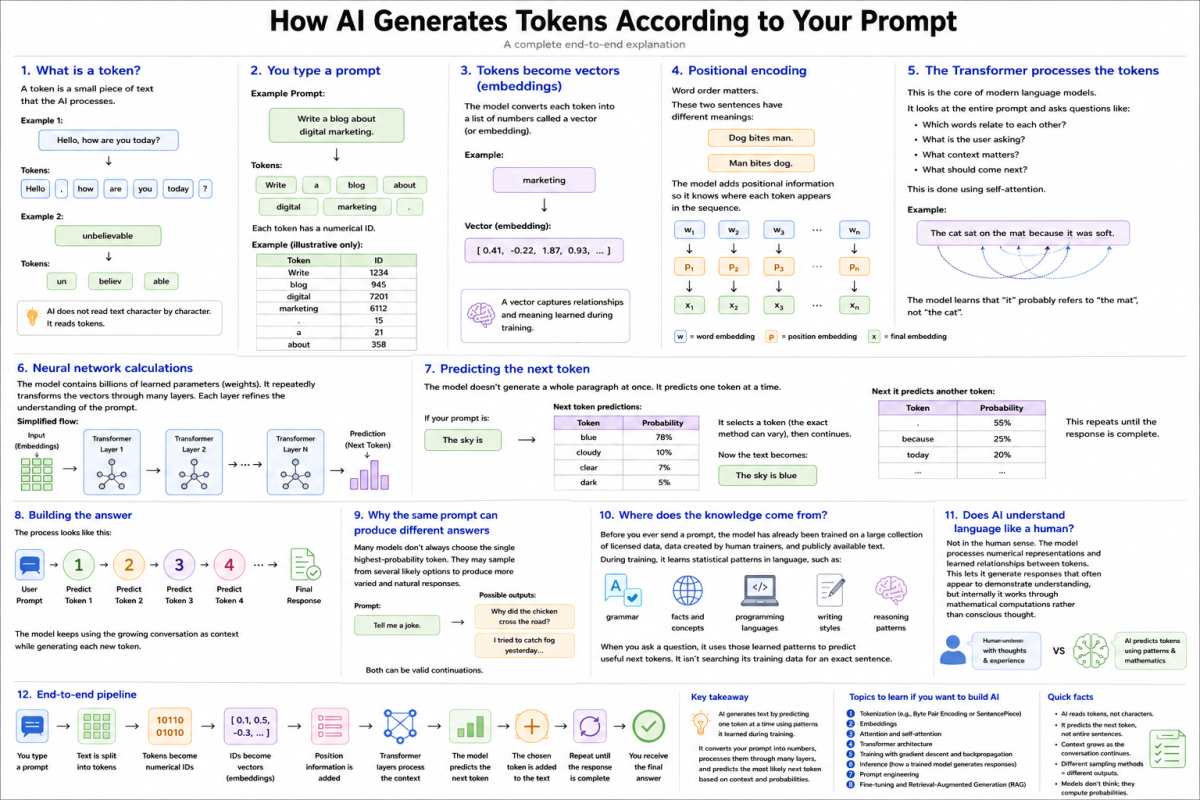
AI helps you present the right product to the right person at the right time. It enables personalized shopping, automates repetitive tasks, predicts demand, helps prevent fraud, and enhances customer support. That results in increased conversion rates, larger average order values, and happier repeat customers. Short and sweet: Smart automation + insights = good sales.

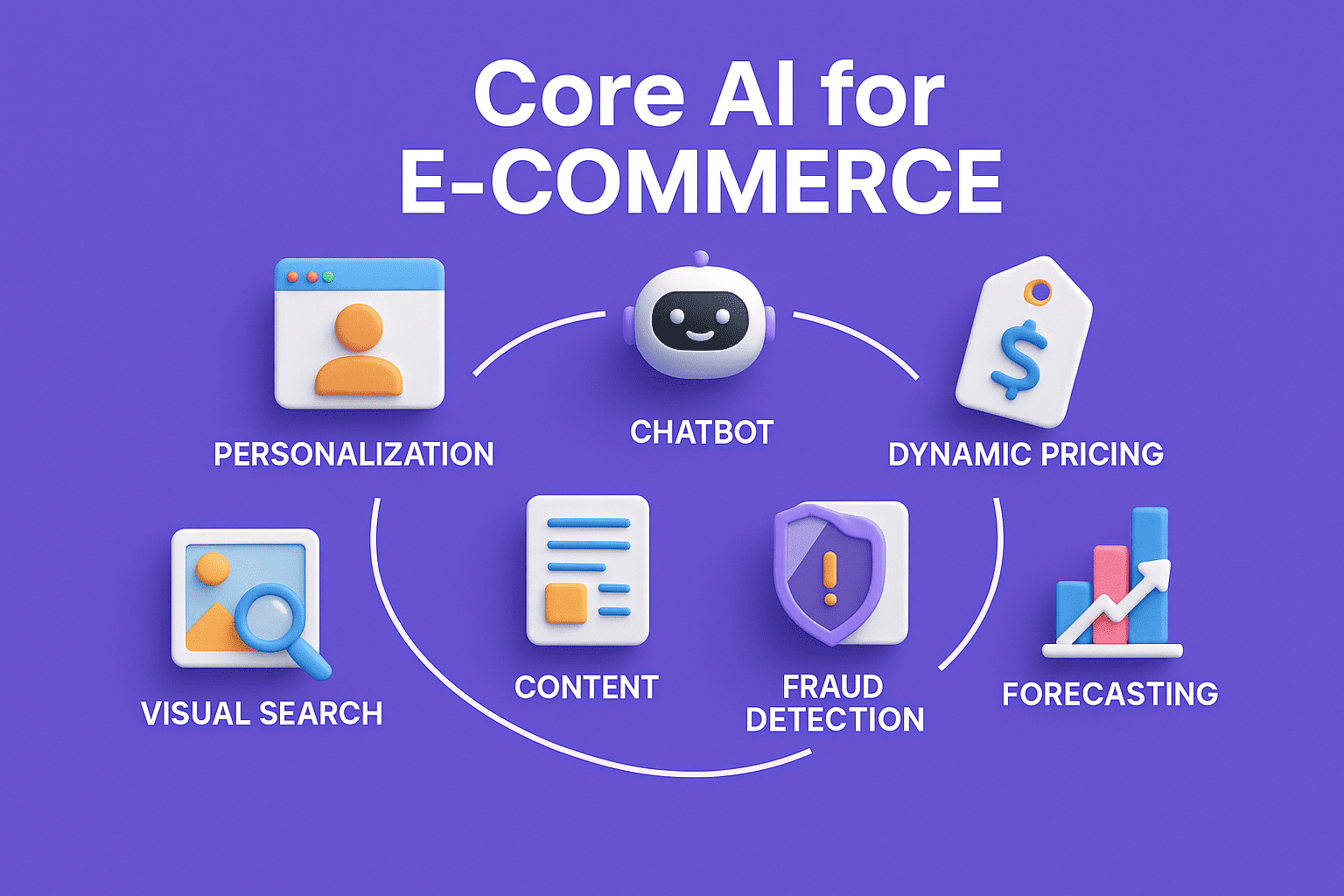
Step 2: Core AI for e-commerce—what it is and its step-by-step implementation

20251001-1208-e-commerce-ai-infographic-simple-compose-01k6f7t4wpeynrv365rjkqqw8y-1.png

2.1 Personalization & product recommendations

What it is: Displays products personalized to each visitor (like “Recommended for you”) to increase conversions.

20251001-1209-e-commerce-recommendations-display-simple-compose-01k6f7wg20ea1vyrzgsjmjw5ht-1-1.png

How to use (step by step):

  1. Gather user behavior information (page views, searches, add-to-cart).
  2. Use a recommendation engine (if built-in, or available via third party services).
  3. Segment visitors (new, returning, high value).
  4. Set up recommendation rules: \"also purchased\", \"similarity.\".
  5. Add widgets to homepage, product pages, cart and checkout.
  6. A/B test and widgets & position for CTR & conversion.

KPIs to follow: The click-through rate (CTR) of the advice, conversion charge and revenue per visitor.

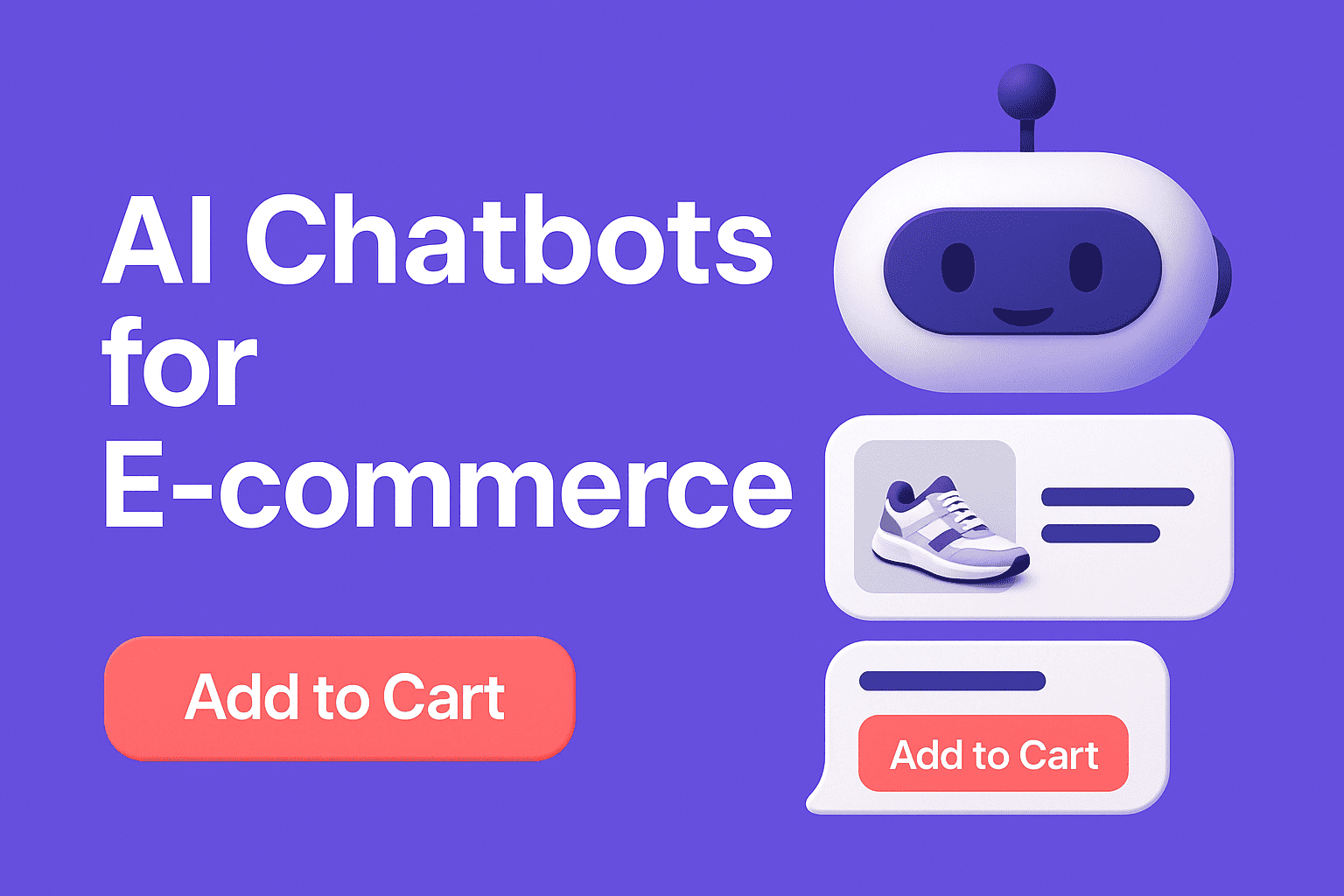
2.2 Chatbots & virtual assistants

What it is: Answers customer questions 24/7, assists with purchases and decreases support load.

20251001-1211-e-commerce-chatbot-interaction-simple-compose-01k6f80mavffprvm68r82jrk11-1.png

Steps to implement:

  1. Select a chatbot platformand (or an assistant based on LLMs).
  2. Create a script of typical Q&A (shipping, returns, ingredients, size).
  3. Attach to product catalog, so bot can assist in shopping and carting stuff.
  4. Fallback to human agent for more complex queries.
  5. Feed the bot with true chat logs and test it for tone and effectiveness.

KPIs: Resolution rate, response time, support cost reduction, chat to conversion.

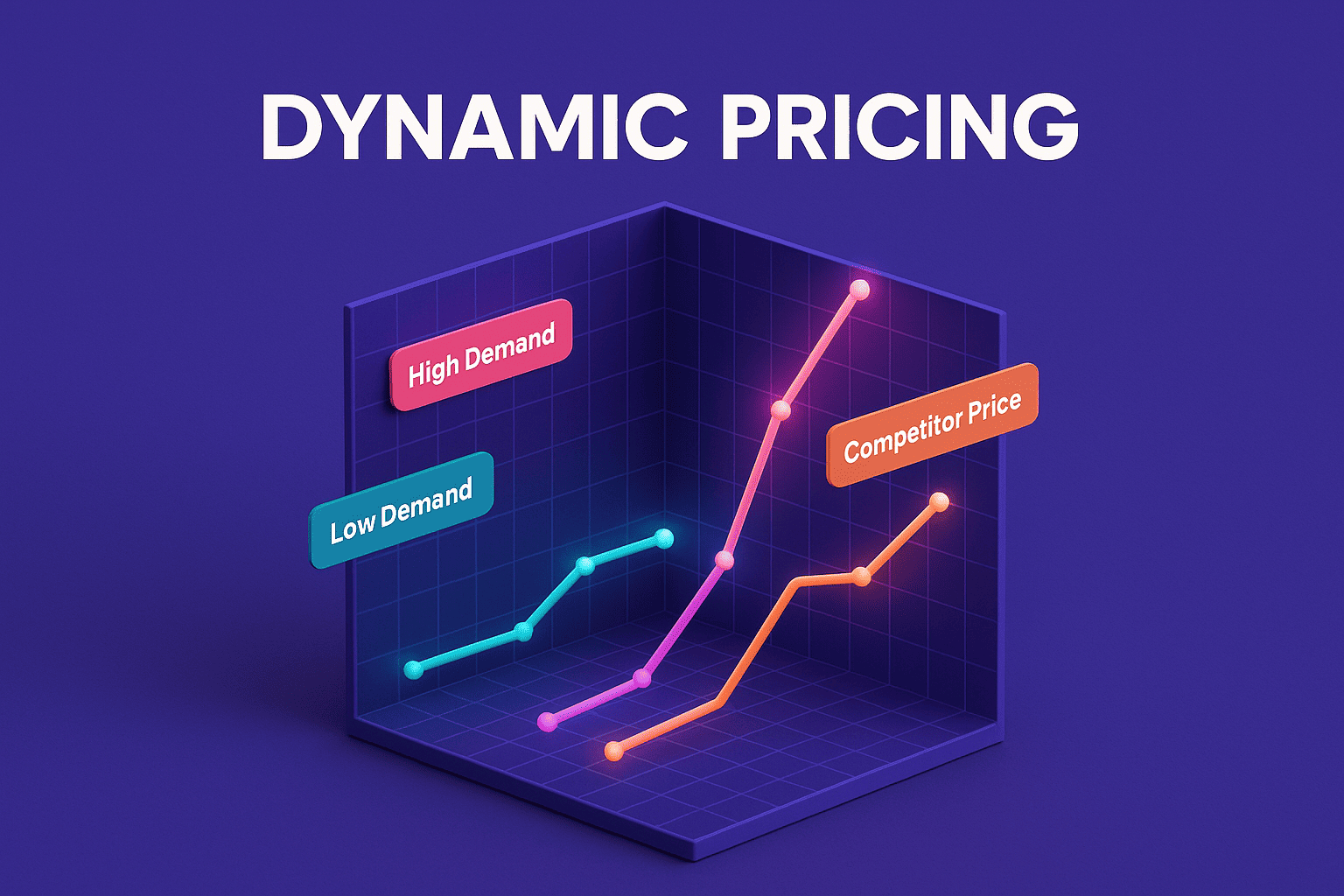
2.3 Dynamic pricing

What it does: Adjusts prices in real time based on demand, stock, competitor prices.

20251001-1214-dynamic-pricing-chart-simple-compose-01k6f84y1hfm1r5q1fq15gjt0z-1.png

Steps to implement:

  1. Define pricing goals (maximize margin, increase volume, match competition).
  2. Collect data: competitor prices, stock levels, seasonal trends.
  3. Use a dynamic pricing tool/service or build rules in your system.
  4. Set safe guardrails (min and max price, frequency of changes).
  5. Monitor sales & margin daily; refine rules.

KPIs: Average order value (AOV), profit margin, sell-through rate.


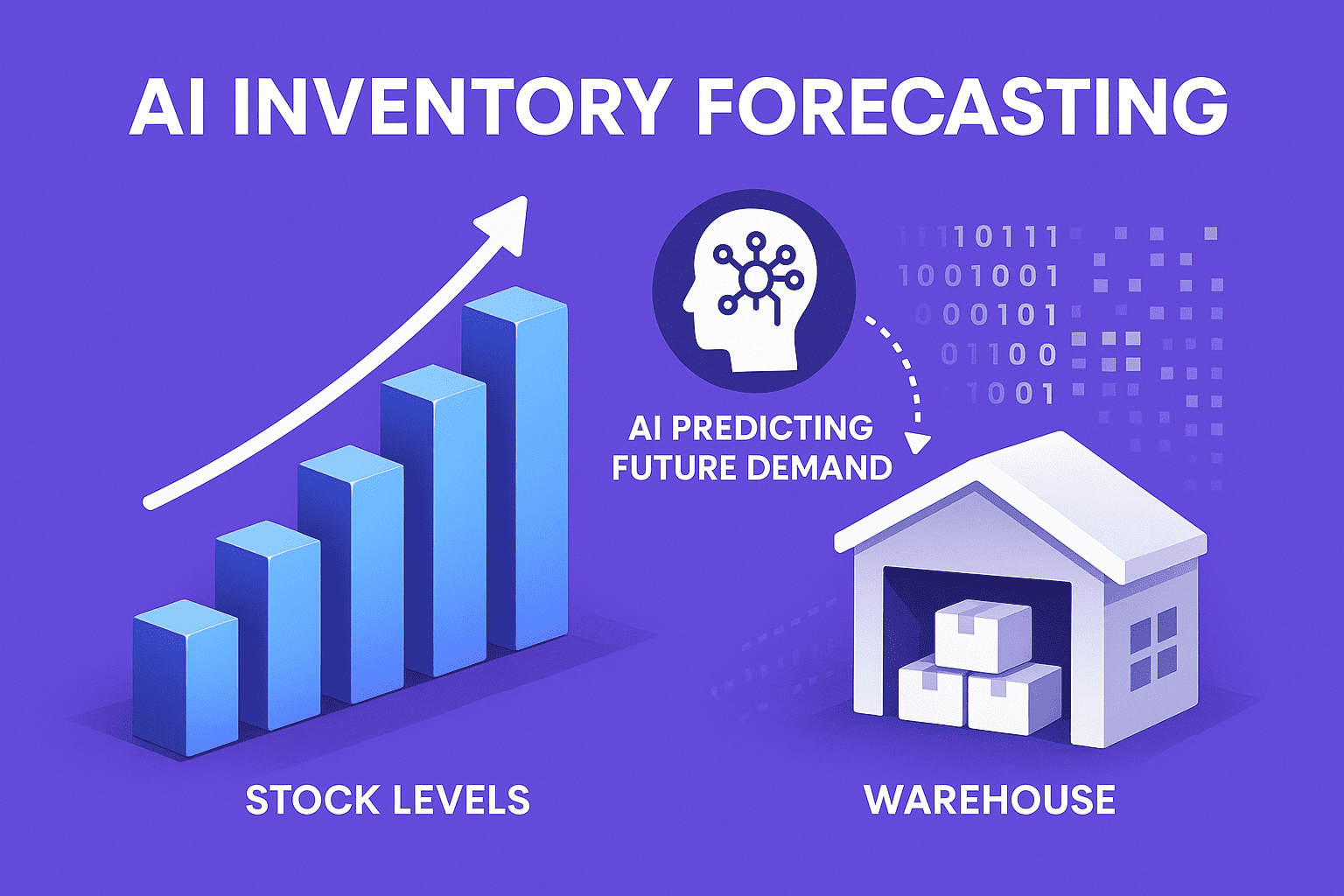
2.4 Inventory & demand forecasting

What it does: Predicts future demand so you stock the right amount.

20251001-1215-ai-inventory-insights-simple-compose-01k6f87bg3exetcqf3ae5ffjq7-1.png

Steps:

  1. Gather historical sales, seasonality, promotions, supplier lead times.
  2. Use forecasting models (time-series, ML models in tools).
  3. Set reorder points and safety stock automatically.
  4. Alert purchasing team for low stock.
  5. Re-evaluate forecasts weekly/monthly.

KPIs: Stockouts, inventory turnover, holding cost reduction.

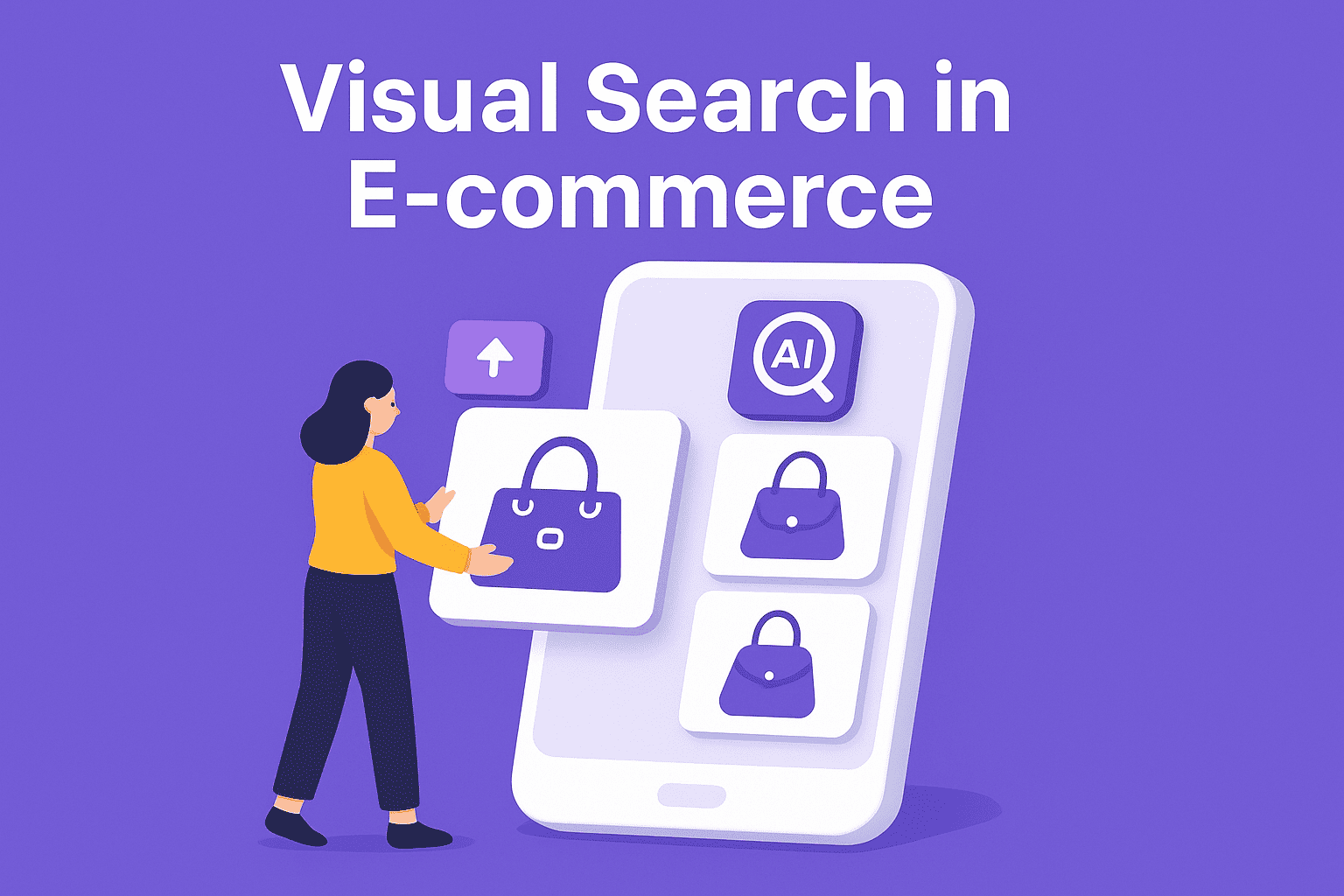
2.5 Visual search & image recognition

What it does: The customers can visually search the products for which the pictures are taken or uploaded and also they can find the products that are visually similar.

20251001-1216-e-commerce-visual-search-simple-compose-01k6f8a85vejgvdb2py5s6wvf0-1.png

Steps:

  1. Import a visual search plugin or API that indexes product images.
  2. Attach attributes (color, shape, material) to images for better results.
  3. Install visual-search button on the mobile app and product pages.
  4. Check for the accuracy and adjust the model or retrain it with new images.

KPIs: Search to purchase rate, engagement from image searches.

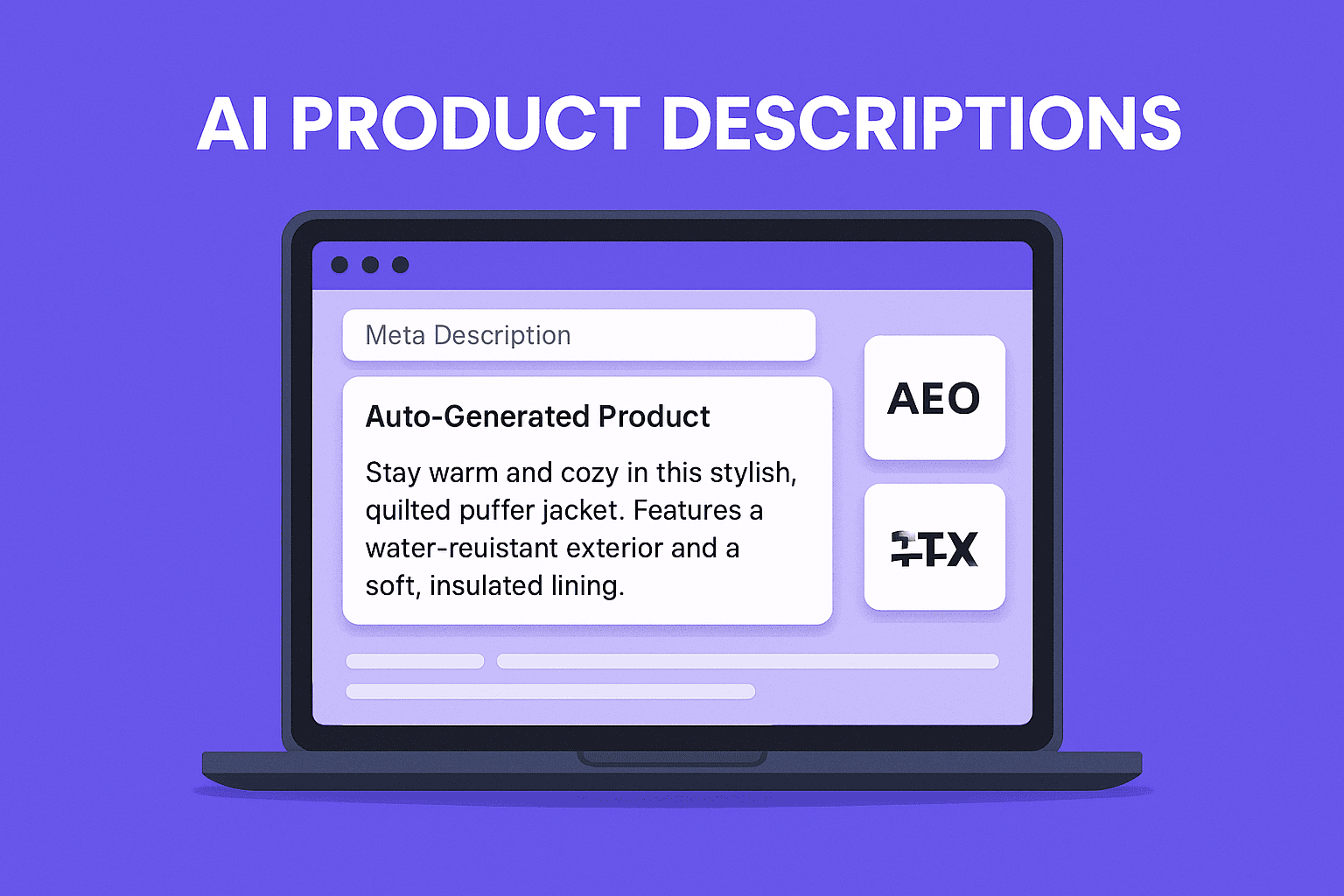
2.6 Content automation: product descriptions & titles

What it does: Nonstop creation of SEO-friendly product descriptions and meta tags, automatically.

20251001-1218-ai-product-descriptions-simple-compose-01k6f8crpvfne8stg9bkt19rpw-1.png

Steps:

  1. Allow AI to create a product description based on the structured data of the product (materials, notes, scent profile).
  2. Set the brand's personality (luxury, friendly, clinical).
  3. Create descriptions and check for mistakes.
  4. Put unique details and user edits in place so that the content is not duplicated.
  5. Use AI to generate more than one version to be used in A/B testing.

KPIs: Organic traffic, time to publish new SKUs, conversion rate from product pages.

2.7 Fraud detection & security

What it does: Just to make the safest client possible, it points out the fake orders only and stops the giving of money in the wrong way.

20251001-1219-secure-ai-shield-simple-compose-01k6f8ewpxfhjr1f0s652wwv89-1.png

Steps:

  1. Add fraud detection solutions that analyze transaction data to your service.
  2. Put the risk levels so that only tokens that need to be checked manually are selected for you.
  3. Support it with 3D Secure and device fingerprinting.
  4. Keep track of the instances in which the machines give wrong results and adjust the level of sensitivity accordingly.

KPIs: Chargeback rate, fraud losses, false positive rate.

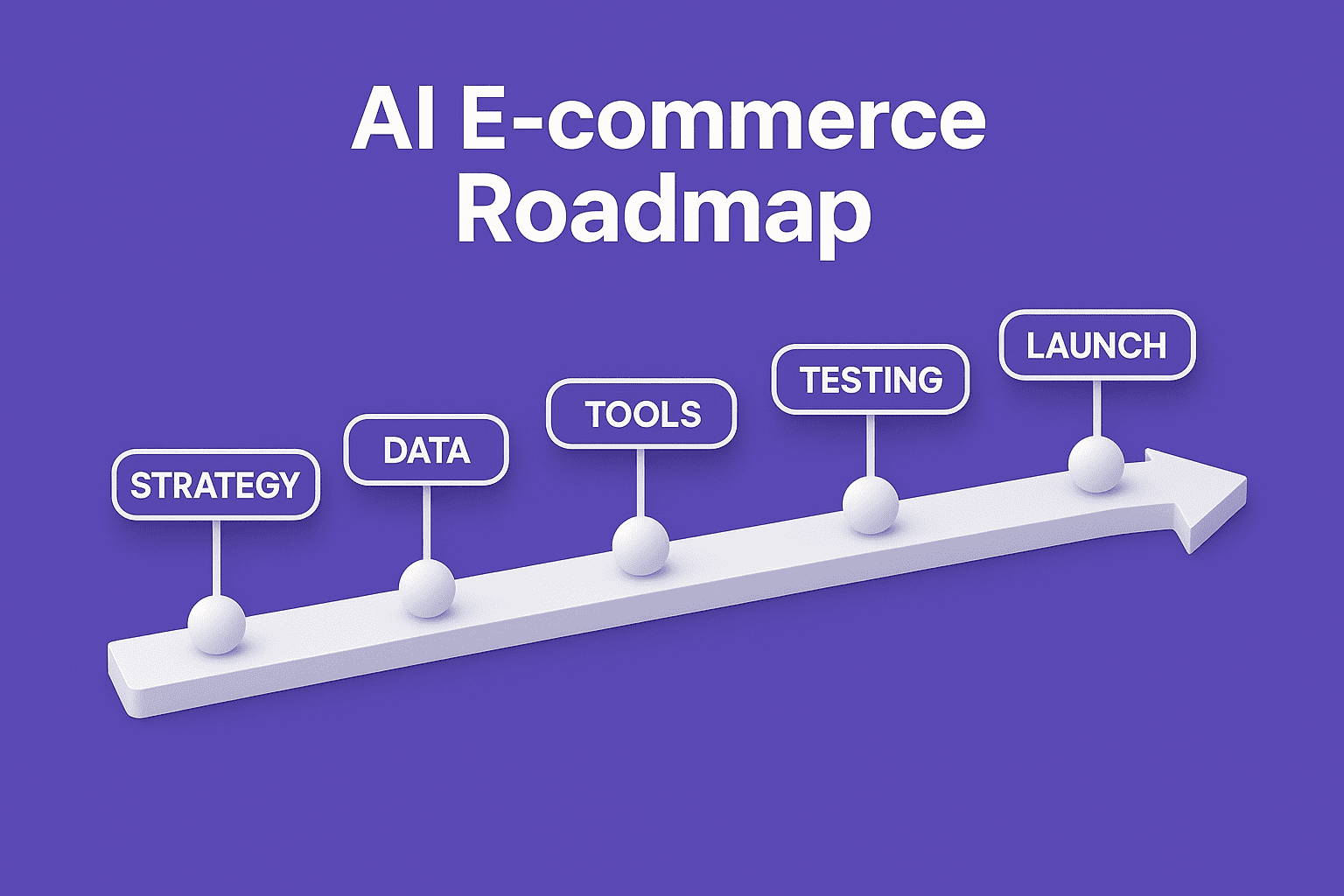
3. Step-by-step implementation roadmap

20251001-1221-ai-e-commerce-timeline-simple-compose-01k6f8kjyseh0tgm3w3yjtkb36-1.png

Phase 1 — Audit & strategy (1 week)

  1. Audit current traffic, conversion funnel, product catalog.
  2. Define business goals (increase conversions X%, reduce support Y%).
  3. Prioritize AI features that give fastest ROI (recommendations, chatbots).

Phase 2 — Data & foundation (1–2 weeks)

  1. Clean product data (titles, SKUs, categories, images, tags).
  2. Set up analytics and event tracking (GA4, server events).
  3. Ensure consent & privacy banners (GDPR/CCPA compliance).

Phase 3 — Choose tools & integrate (2–4 weeks)

  1. Pick tools or vendors for each use case.
  2. Integrate with CMS, store, and analytics.
  3. Sync product catalog and user events.

Phase 4 — Test & train (2–3 weeks)

  1. Test recommendations, chat flows, pricing rules in staging.
  2. Train AI with real data & run small experiments.

Phase 5 — Launch & monitor (ongoing)

  1. Gradually roll out features.
  2. Monitor KPIs daily/weekly and iterate.
  3. Scale what works; pause what doesn’t.

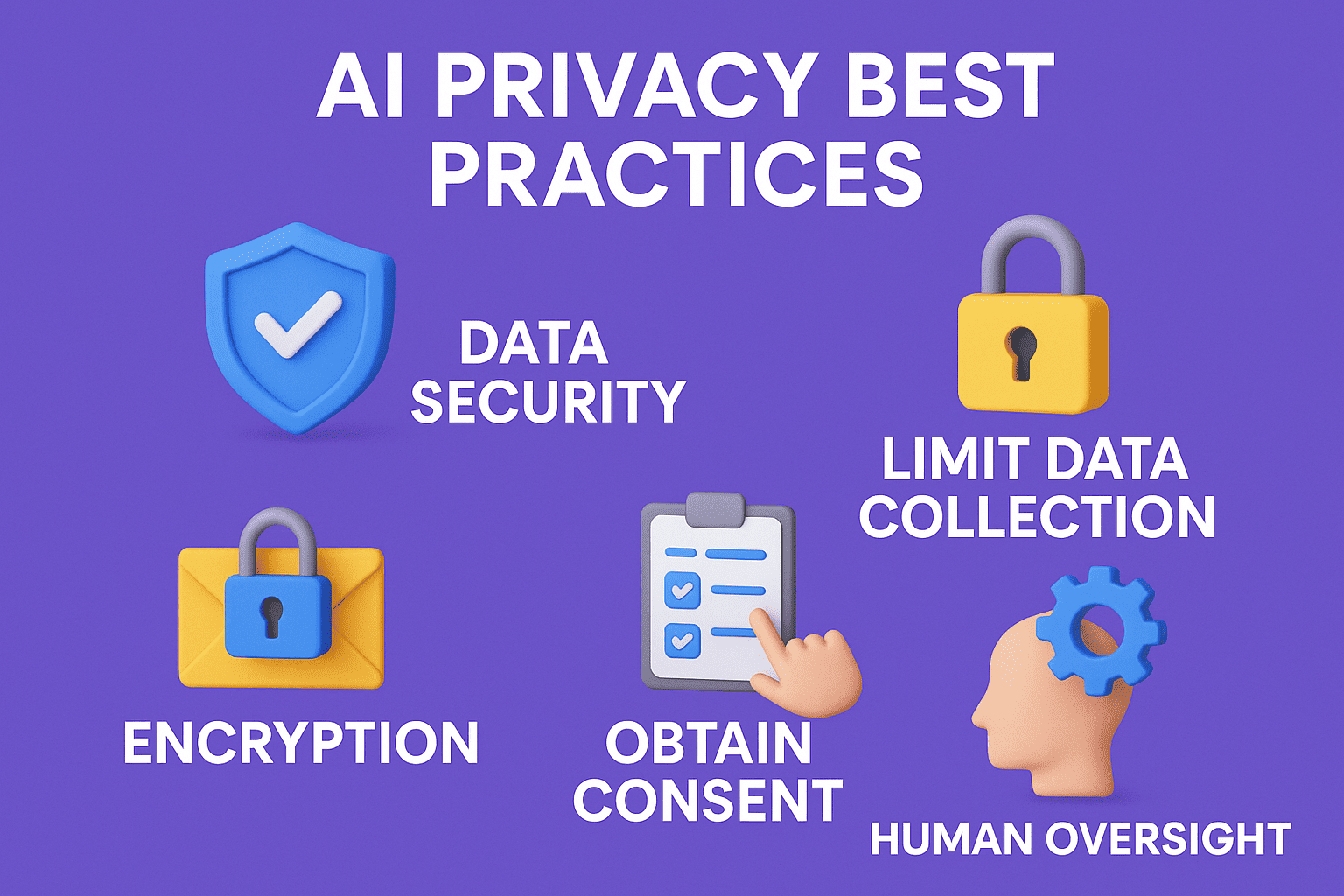
4. Technical & privacy best practices (short)

20251001-1226-ai-privacy-infographic-simple-compose-01k6f8vec1f5tr917thy1nj7v3-1.png
  1. Collect only needed data and be transparent in privacy policy.
  2. Secure data (encryption at rest/in transit).
  3. Anonymize or hash PII for model training.
  4. Rate limit API calls and use caching to reduce costs.
  5. Fallback UX: if AI fails, show useful default options.
  6. Keep human oversight: never fully auto-approve risky decisions.

5. SEO & content: how to use AI correctly

20251001-1227-seo-content-illustration-simple-compose-01k6f8yrx8fkjsjkc32159b2fx-1.png
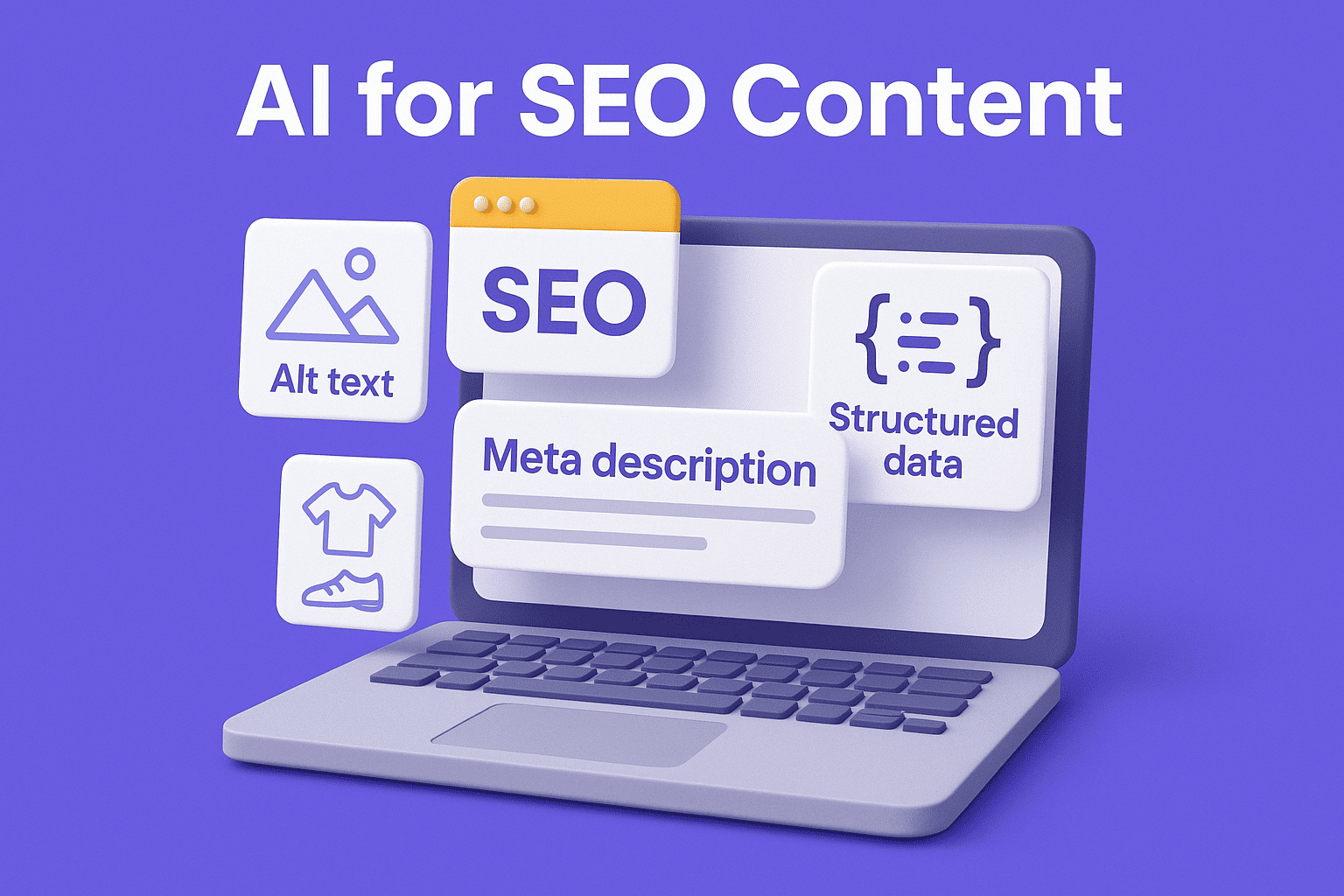
  1. Use AI to generate first drafts of product descriptions, but always human-edit to add unique details.
  2. Generate meta title and description variations; pick the best for CTR.
  3. Use AI to create structured data (JSON-LD) but verify correctness.
  4. Avoid duplicate content — give each product unique story or specs.
  5. Use AI to create alt text for images (concise & descriptive).

6. Common mistakes and the ways to avoid them

20251001-1229-ai-mistakes-infographic-simple-compose-01k6f90xz9f7wtg30vkmfebmv6-1.png
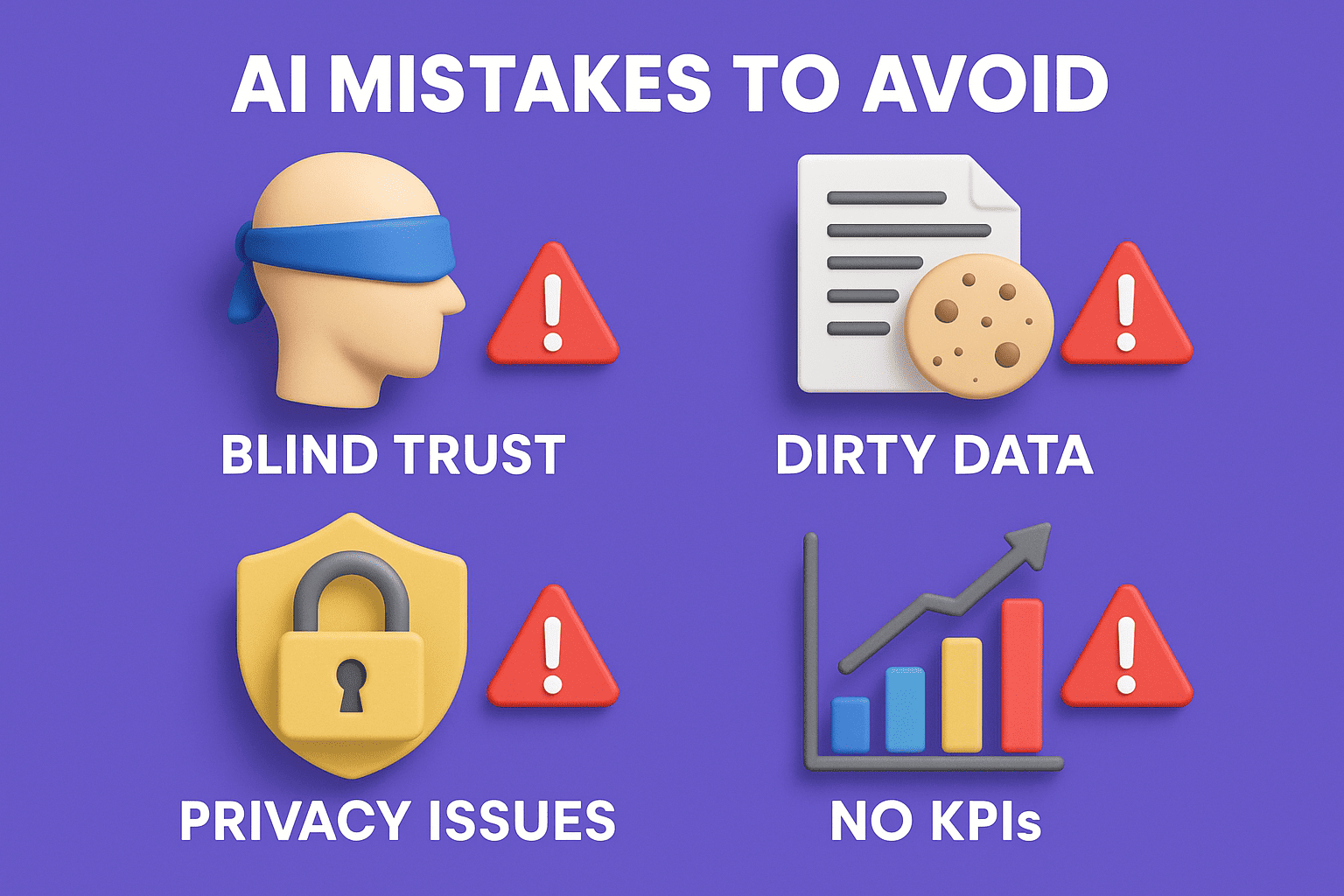
  1. Mistake: Blindly believing the AI results. → Correction: Human content review together with pricing changes must always be your first step.
  2. Mistake: Over-personalizing without having a privacy policy. → Correction: Clearly state your intentions and provide the option of opting out.
  3. Mistake: Utilizing AI with dirty data. → Correction: Firstly, clean and enrich product feeds.
  4. Mistake: Not measuring. → Correction: Before going live define the KPIs and set up the tracking.

7. Tools and resources

20251001-1230-e-commerce-ai-toolkit-simple-compose-01k6f92vhjeqptmr5etshp25pt-1.png
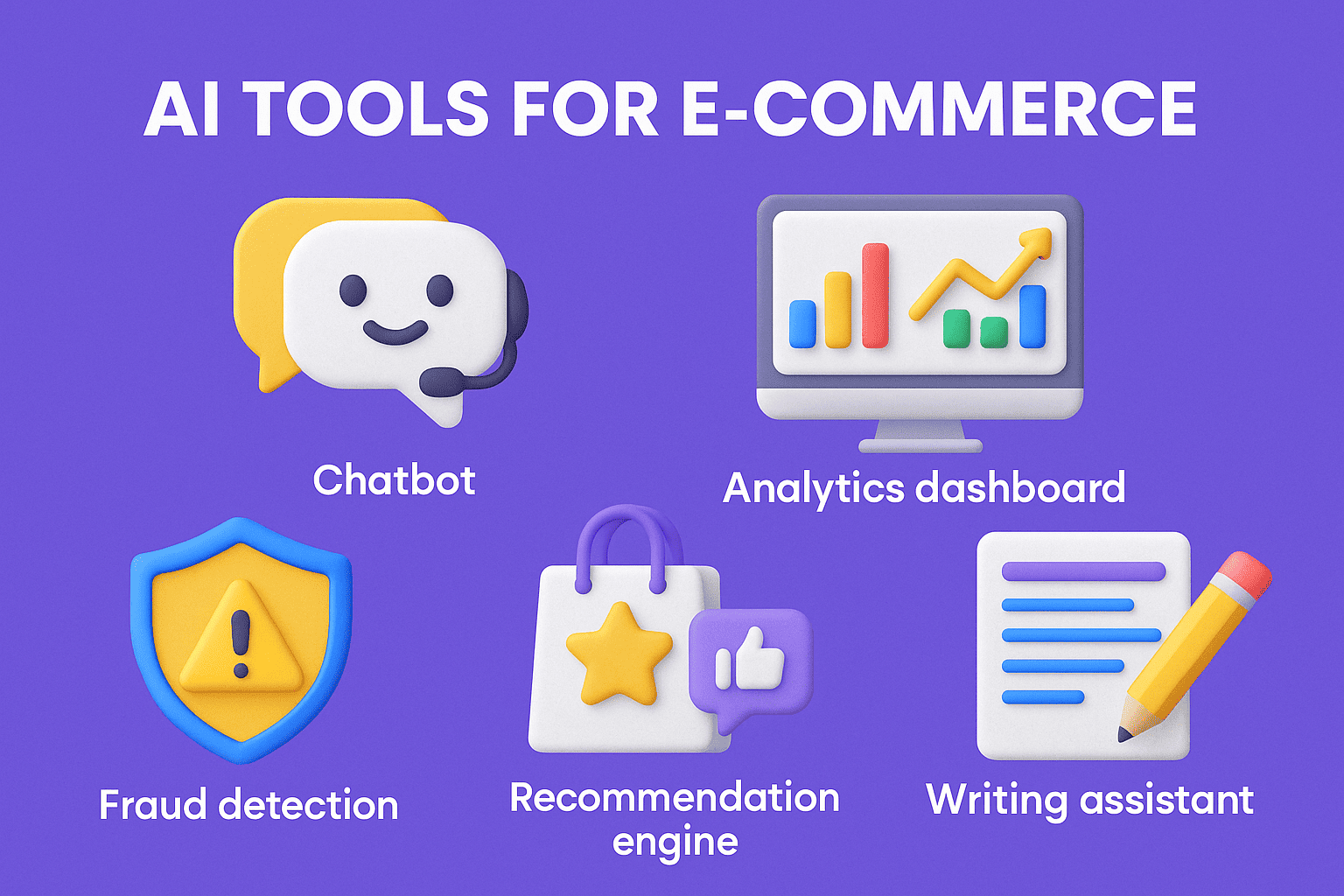
  1. Recommendation engines are either plugins or SaaS that you can easily integrate with your store.
  2. LLM content tools- these tools are used for copywriting purposes, however, it is advisable to use them together with a manual editing process.
  3. Chatbot creators - via commerce integrations.
  4. Fraud and security - services for transaction monitoring.
  5. Analytics and A/B testing - to quantify the promotion.

(Choose apps suitable for your budget and platform — always verify there is a backup expression.)

8. Example KPI targets (starter guide)

20251001-1232-ai-kpi-visualization-simple-compose-01k6f96f2ned1v6kdgdavqpfd8-1.png
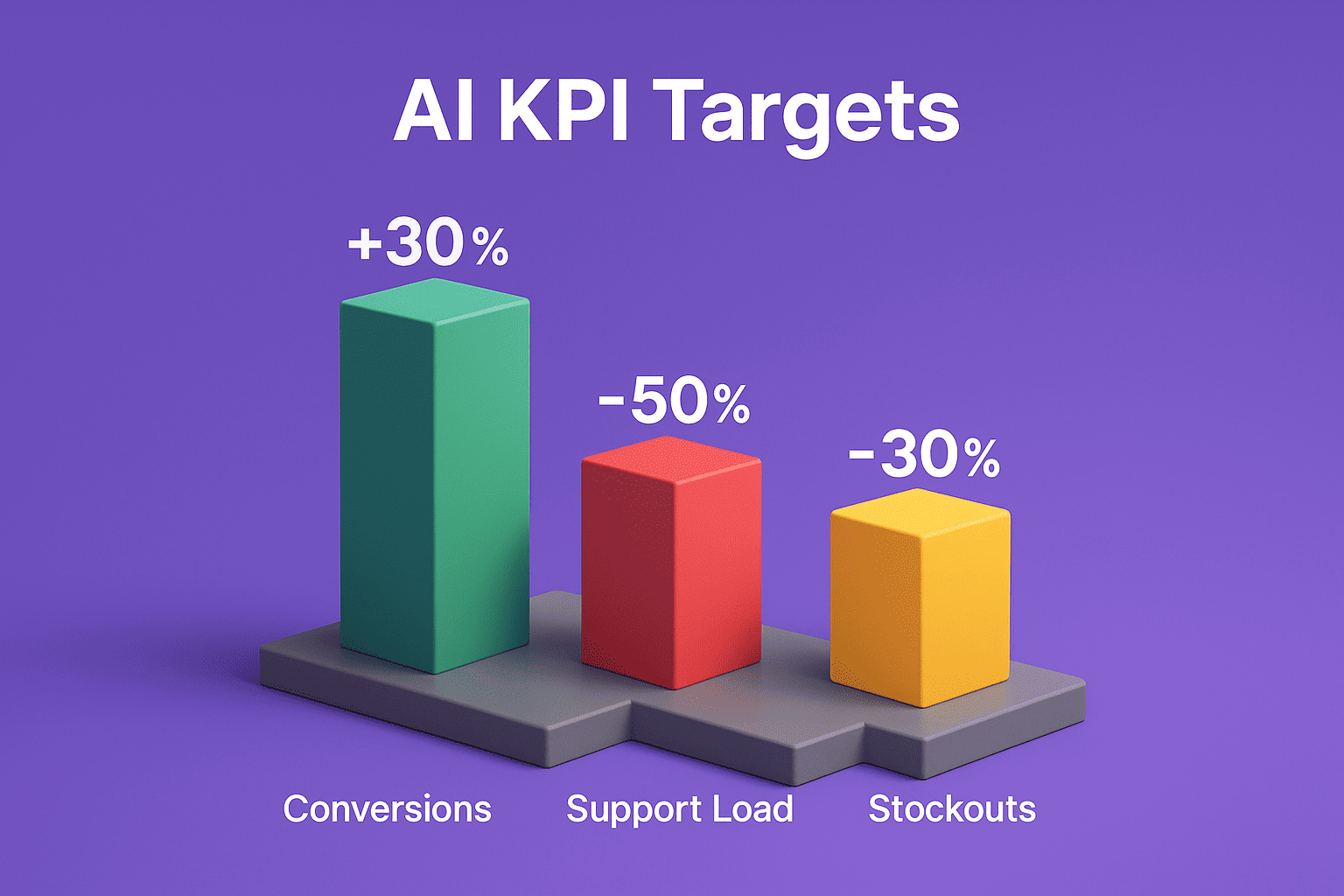
  1. Boost conversion rate by 10–30% through recommendations.
  2. Drop customer support load by 20–50% via chatbot interventions.
  3. Write off stockouts by 30% with forecasting. 

(These are examples; calculate your own baseline and set feasible targets.)

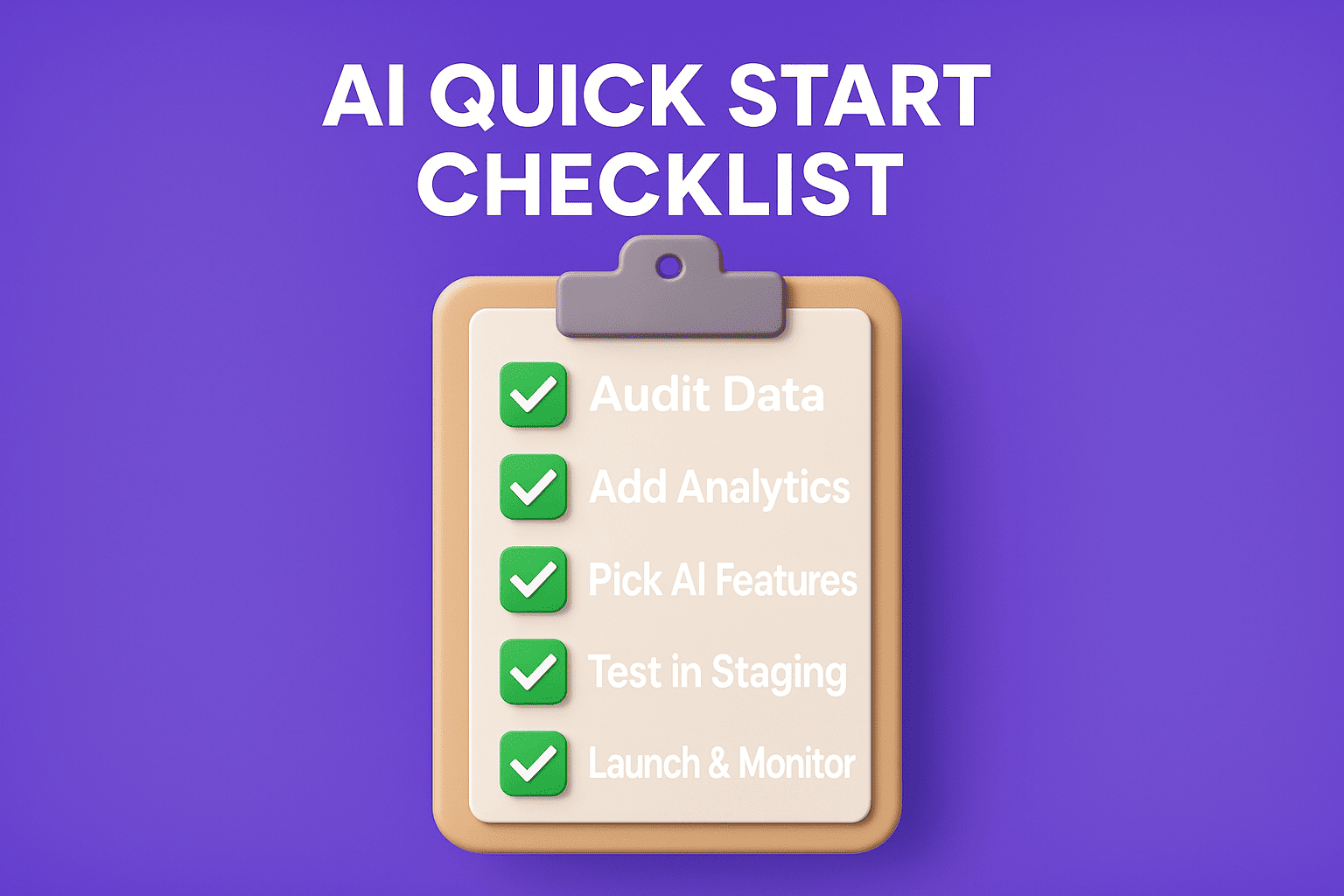
9. Quick checklist to get started 

20251001-1233-ai-checklist-infographic-simple-compose-01k6f997yme0ktzmmysp13y2r3-1.png
  1. Verify product data and images
  2. Set up analytics and event tracking
  3. Select 1 to 2 AI features (suggestions + chatbot advised)
  4. Sanitize data and merge product feed
  5. Try in staging, define KPIs, do a gradual release
  6. Evaluate regularly and improve

Conclusion 

Artificial Intelligence has the ability to completely change the face of your e-commerce business, but the achievement of such a result heavily relies on having quality data, a well-defined strategy, and the involvement of a person. Initiate the process with a petite experiment, accurately gauge the results, and extend the activities that yielded positive outcomes to other areas of your business. This article's image prompts and checklist will help you to plan your visuals and conduct your initial AI experiments. By implementing the aforementioned step-by-step plan, you are certainly going to be able to integrate AI tools that not only facilitate customer conversions but also lower your operational costs and make your customers' experience more pleasant.
Jan 27, 2026 • 11 min read
Best Web Hosting in Kashmir: Why Kashmiri Businesses Need Reliable Global Providers

Hosting in Kashmir requires reliability and security. Learn why international hosting like Hostinger...

Nov 04, 2025 • 9 min read
How to Remove Malware from WordPress – Manual & Auto Methods

Is your WordPress site hacked or infected? This complete guide explains how to remove malware manual...

Nov 03, 2025 • 7 min read
What Is a Soft 404 Error (and How to Fix It)

Learn what a soft 404 error is, why it matters for SEO and how to fix it with step-by-step advice.

Oct 11, 2025 • 22 min read
How to Start E-Commerce in Kashmir: A Comprehensive Guide

Learn how to start e-commerce in Kashmir with this comprehensive guide. Discover legal requirements,...

Oct 09, 2025 • 10 min read
What Exactly is DNS and How Does It Work?

When you enter "example.com" in your web browser and press Enter, an interesting process unfolds, on...

Oct 07, 2025 • 7 min read
SEO is Old – AEO and GEO Are the Future of Search!

Learn how AEO and GEO are reshaping search with answer-first and local strategies. Get actionable ti...

Oct 05, 2025 • 5 min read
SEO Tips for Your Kashmir Travel Website

Boost visibility, attract travelers, and rank higher with these essential SEO tips for your Kashmir...

Oct 05, 2025 • 10 min read
Best Programming Languages for Cybersecurity

In this article, we discuss the best programming languages to use in cybersecurity in 2025+, why it...

Oct 03, 2025 • 6 min read
Business Opportunities in Kashmir’s Digital Era

Discover the emerging business opportunities in Kashmir’s digital era. From e-commerce and startups...

Oct 03, 2025 • 6 min read
Future of Kashmir Business in the Digital Era

Discover how Kashmir businesses can thrive in the digital era with e-commerce, digital marketing, an...

Oct 03, 2025 • 9 min read
Why Kashmiri businesses need a website

A clear, practical guide for Kashmiri businesses: why a website matters, step-by-step setup

Oct 01, 2025 • 57 min read
How Kashmiris can grow their business online and boost sales

Explore practical and feasible methods through which local businesses in Kashmir can develop their b...

7 min read
Oct 01, 2025
By Musaib Lone
Share

Leave a comment

Your email address will not be published. Required fields are marked *

Related posts

Sep 30, 2025 • 5 min read
How to Master AI: A Complete Guide for Beginners to Experts

Introduction to AI: Learn how to create AI step-by-step, starting with the basics. Practical roadmap...

Your experience on this site will be improved by allowing cookies. Cookie Policy